Here is a good place to start, Lets Encrypt. This gives you the ability to add secure SSL/TLS certificates for your website for free! You can then use Certbot to manage them for your website. When a certificate expires, Certbot will automatically renew and install your new certificate for your website. This website is a good example of this and it gives me the ability to provide this website as a HTTPS secure/encrypted website by default.
Let’s Encrypt issues certificates through an automated API based on the ACME protocol. In order to interact with the Let’s Encrypt API and get a certificate, a piece of software called an “ACME client” is required. This also does require certain hosting providers to support this as a root domain certificate provider (for example, I use Linode as my "Cloud Computing Platform" provider).
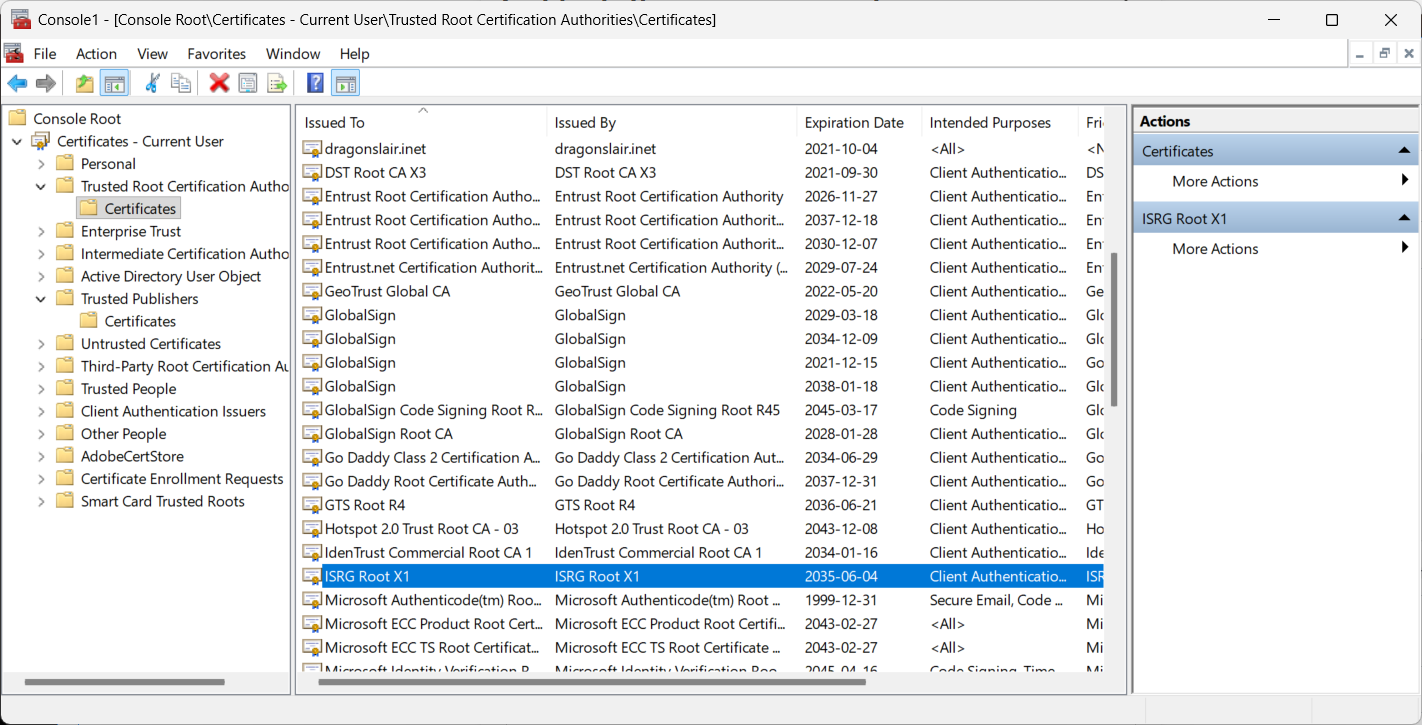
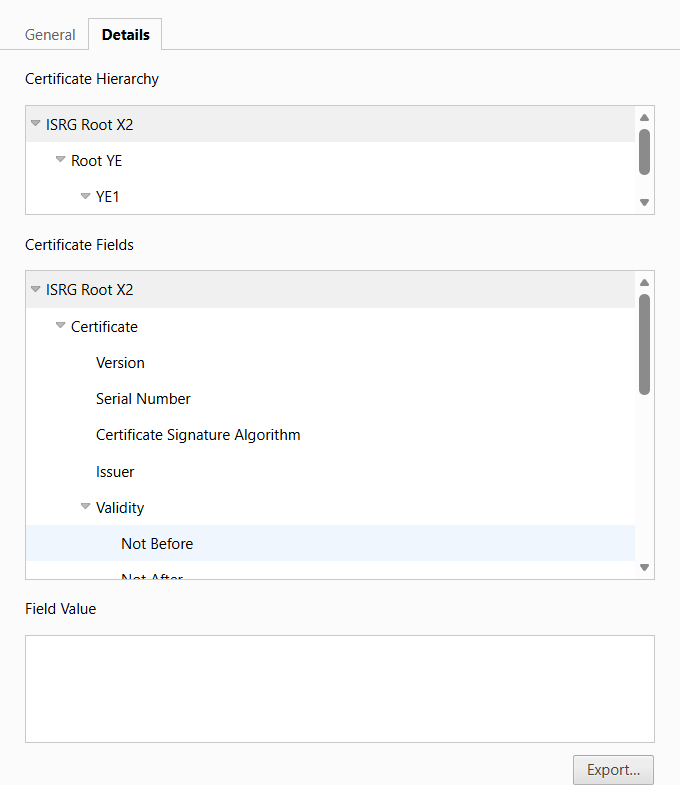
For your operating system (Windows for example), you can use a Windows MMC snapin > Certificate to see if Lets Encrypt (ISRG) is accepted as a root domain provider, here is this sites certificate provider. The Internet Security Research Group (ISRG) is a nonprofit organization that operates the ISRG Root X1 Certificate Authority, which underpins the widely used Let's Encrypt service for free TLS/SSL certificates.
Note: The Microsoft Management Console (MMC) is a Windows component that provides a centralized interface for managing system, hardware, and network components using customizable snap-ins. Run MMC in your Windows search box then add a snap-in for certificates. This gives you the ability to see the trusted root certificates (who is trusted to issue and sign certificates). This basically says these sites are trusted by Windows to issue certificates that will be accepted by Windows. You could also add trusted providers to this if your are in an enterprise environment and want to include your own certificate server to be trusted as an issuing server for certificates. You may have noticed that I also have "dragonslayer.inet" (internal network) installed as a trusted certificate provider, this removes the security warning that browsers have about a site not being trusted to issue certificates. This is useful for internal networks that are not public but you still want to have it secured. Important note, I have found that when installing certificates on mobile devices (you phone), that iPhone does check the entire certificate chain and does require this to be installed on your phone, where Android doesn't seem to validate this certificate chain and would accept a self-signed certificate without validating its root certificate issuing authority, at the time of this writing. (Yikes!)
This does save you the expensive overhead of having to pay for traditional SSL certificates which can be quite costly depending on were you shop to find a reputable certificate provider. Lets Encrypt is accepted as a certificate provider so it does satisfy most browsers validation checks for a validated certificate provider. You can check out my SSL/TLS certificate for a good example of this.
You can start here to look at Lets Encrypt documentation to get started. Then look at Certbots documentation for your environment to get started. For example, I am using Linux, Node.js and nginx (Nginx Reverse Proxy and API Gateway for example) as my environment which is a common production environment used on the web and allows me to use a high performance/low latency "Web 2.0" website for your enjoyment.
Supplemental: Web 2.0 refers to the second generation of the World Wide Web, a shift from static, read-only websites (Web 1.0) to dynamic, interactive, and user-driven platforms.