Note: In these demos there are page controls in the top right corner for demos that have the ability to play with the page settings. You can expand these controls and edit the page settings on the fly to see what neat things you can create from them. Some of these demos do require a basic knowledge of waveforms (wavelength, velocity, amplitude, and nodes etc), Fourier Transform (stacking multiple waves to create a new waveform) and Quantum Mechanics (Yikes! Oh what fun!!), which is outside the scope of this demo page, it would be quite long and extensive to explain everything, but Wikipedia has loads of information on these topics. I will try to include links to the primary aspects of a topic when possible.
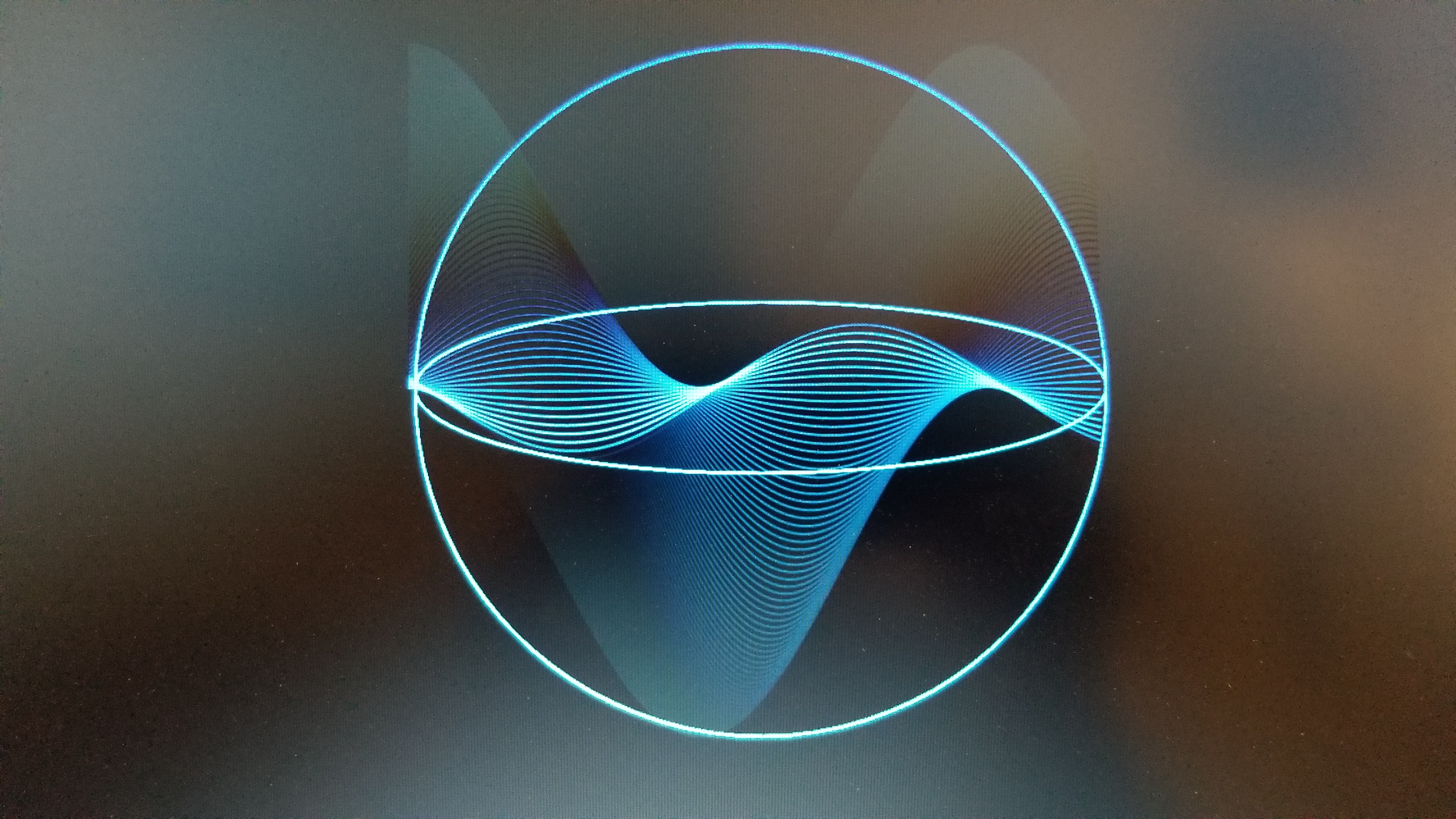
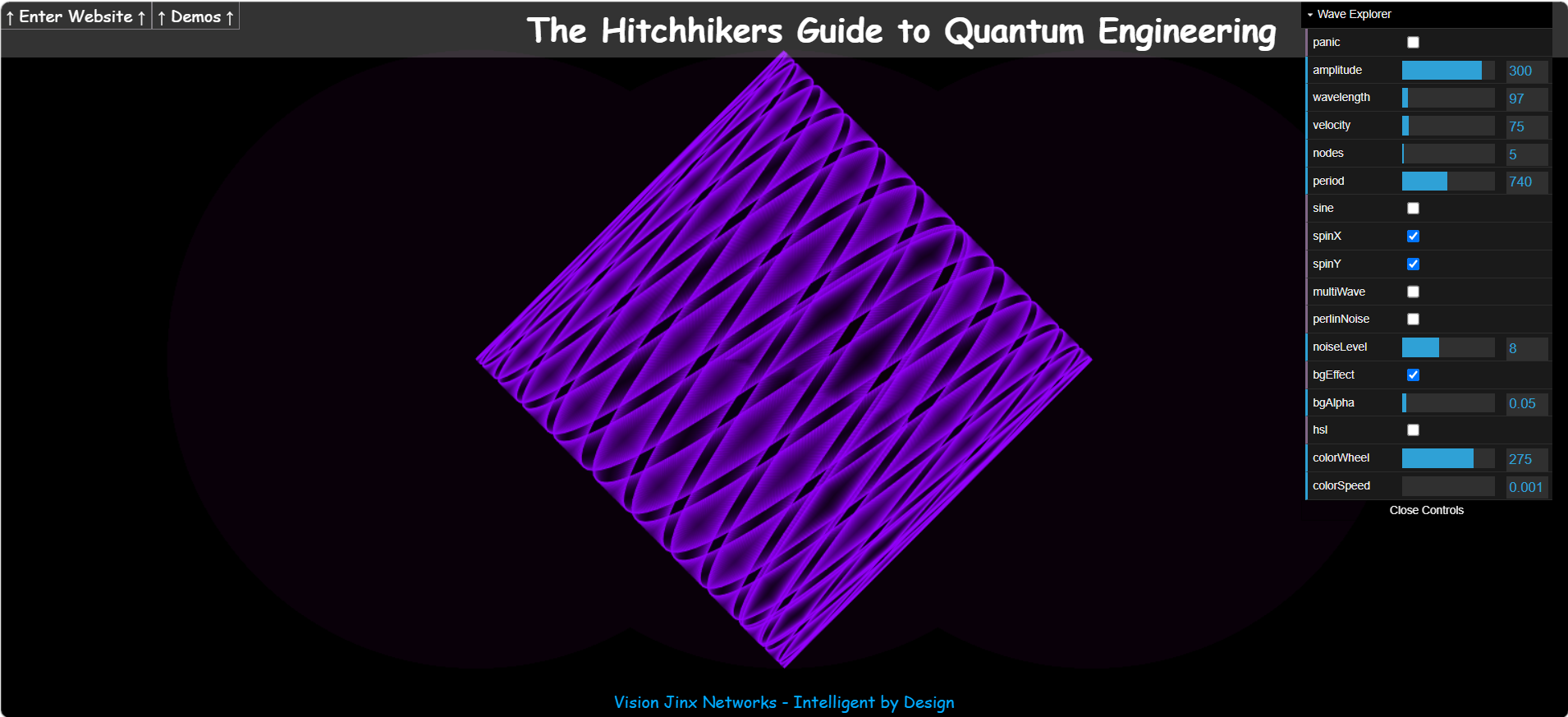
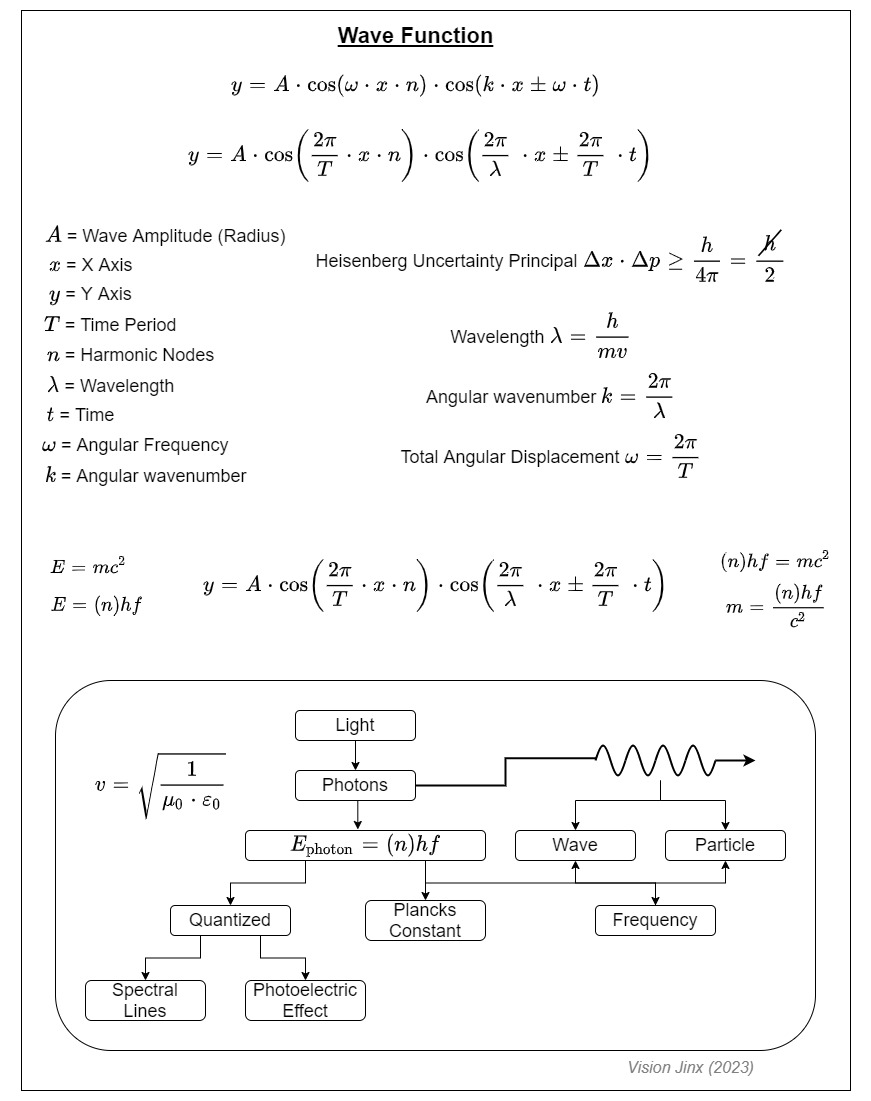
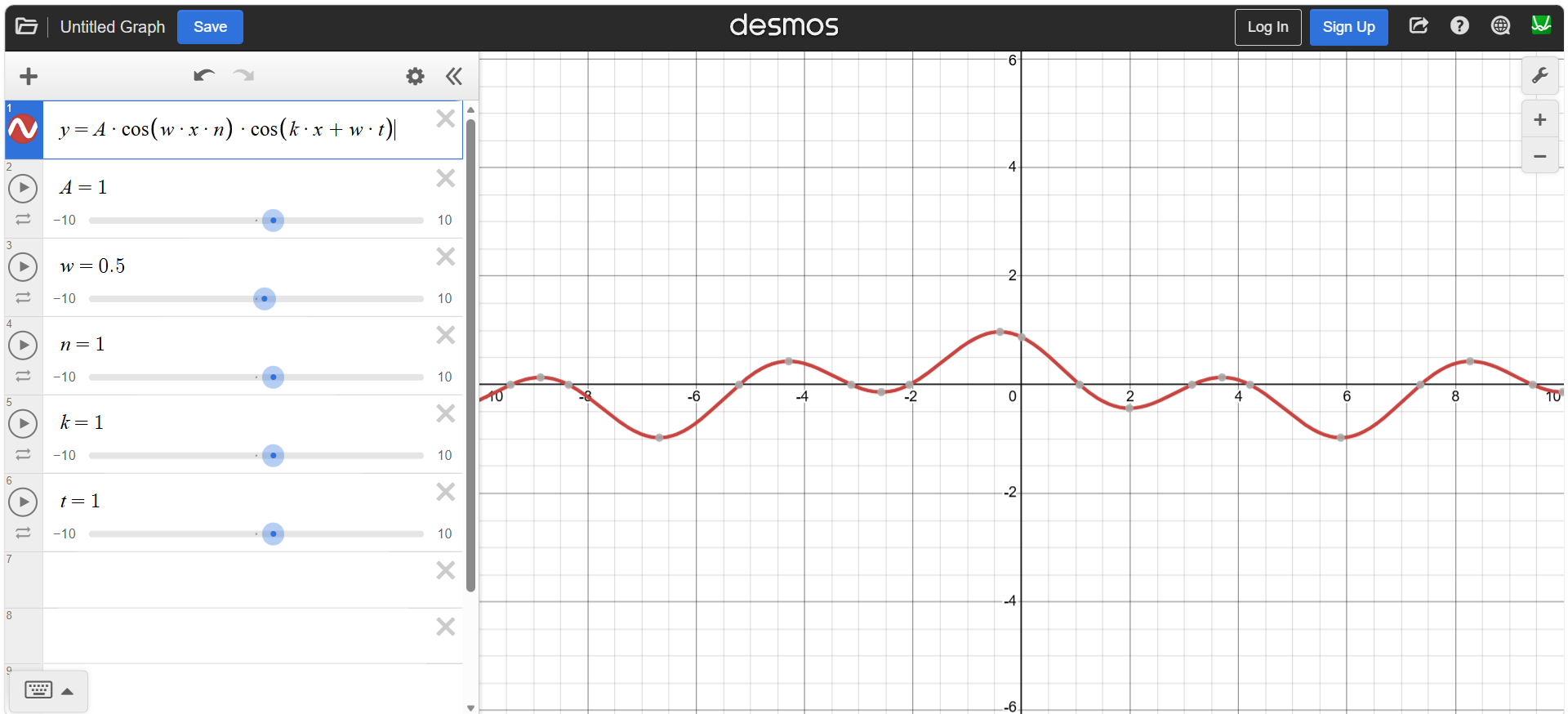
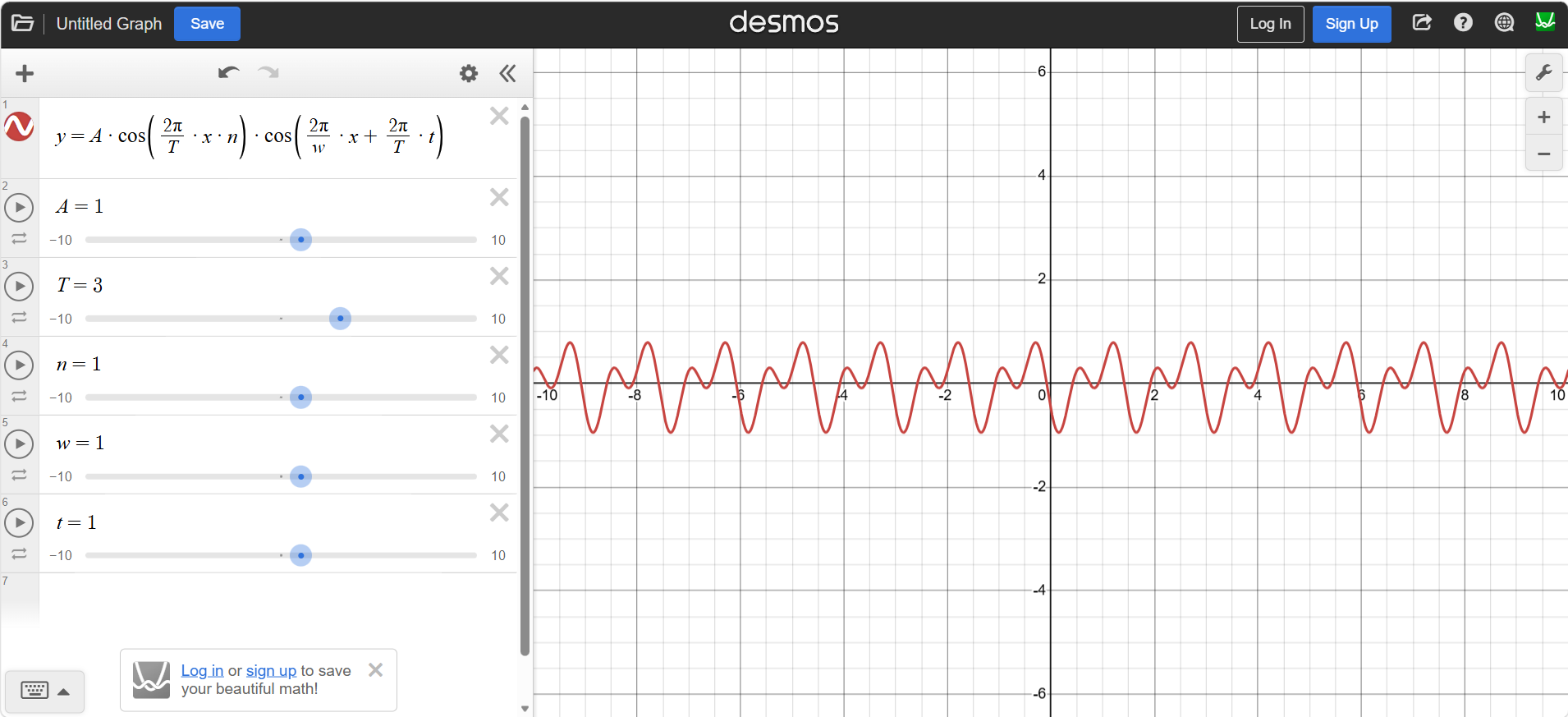
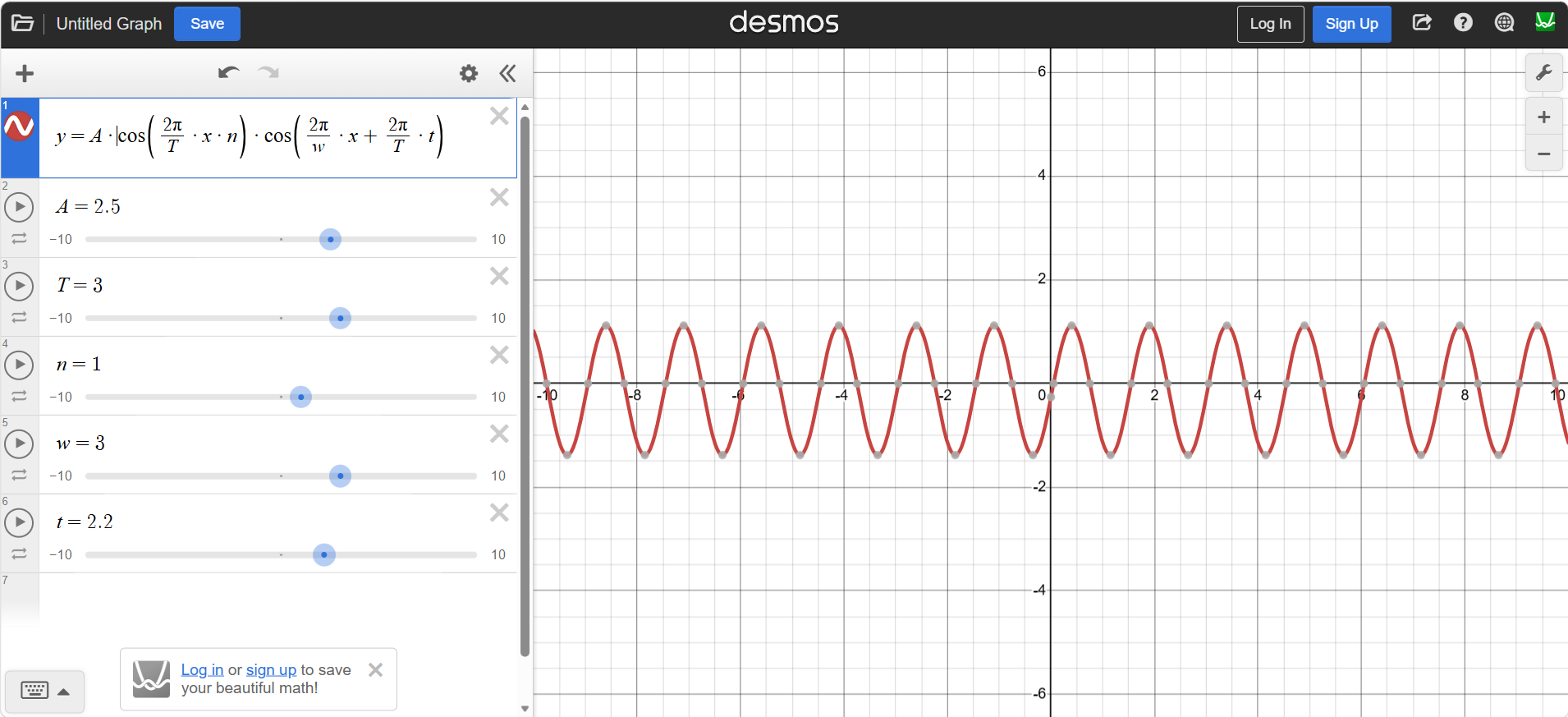
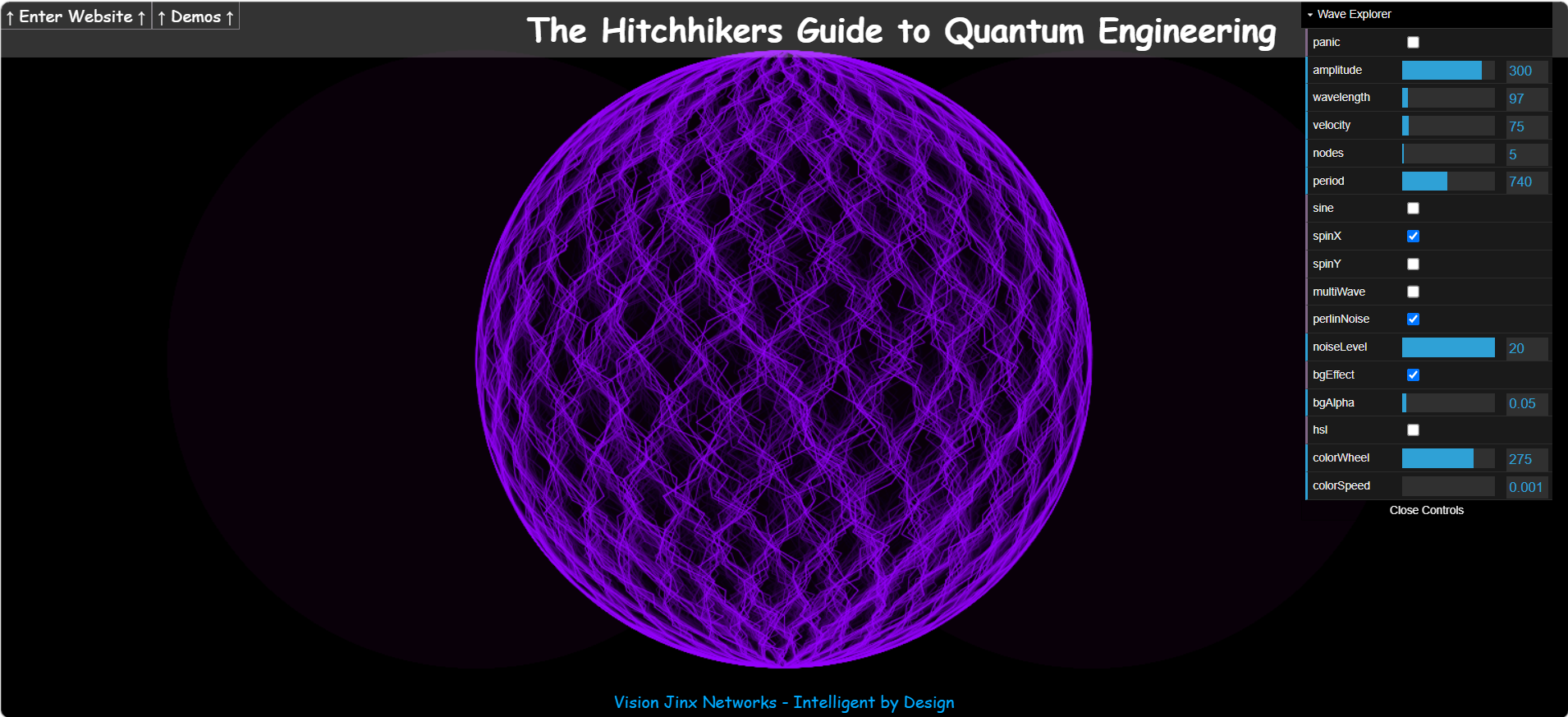
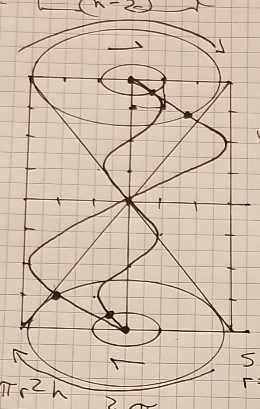
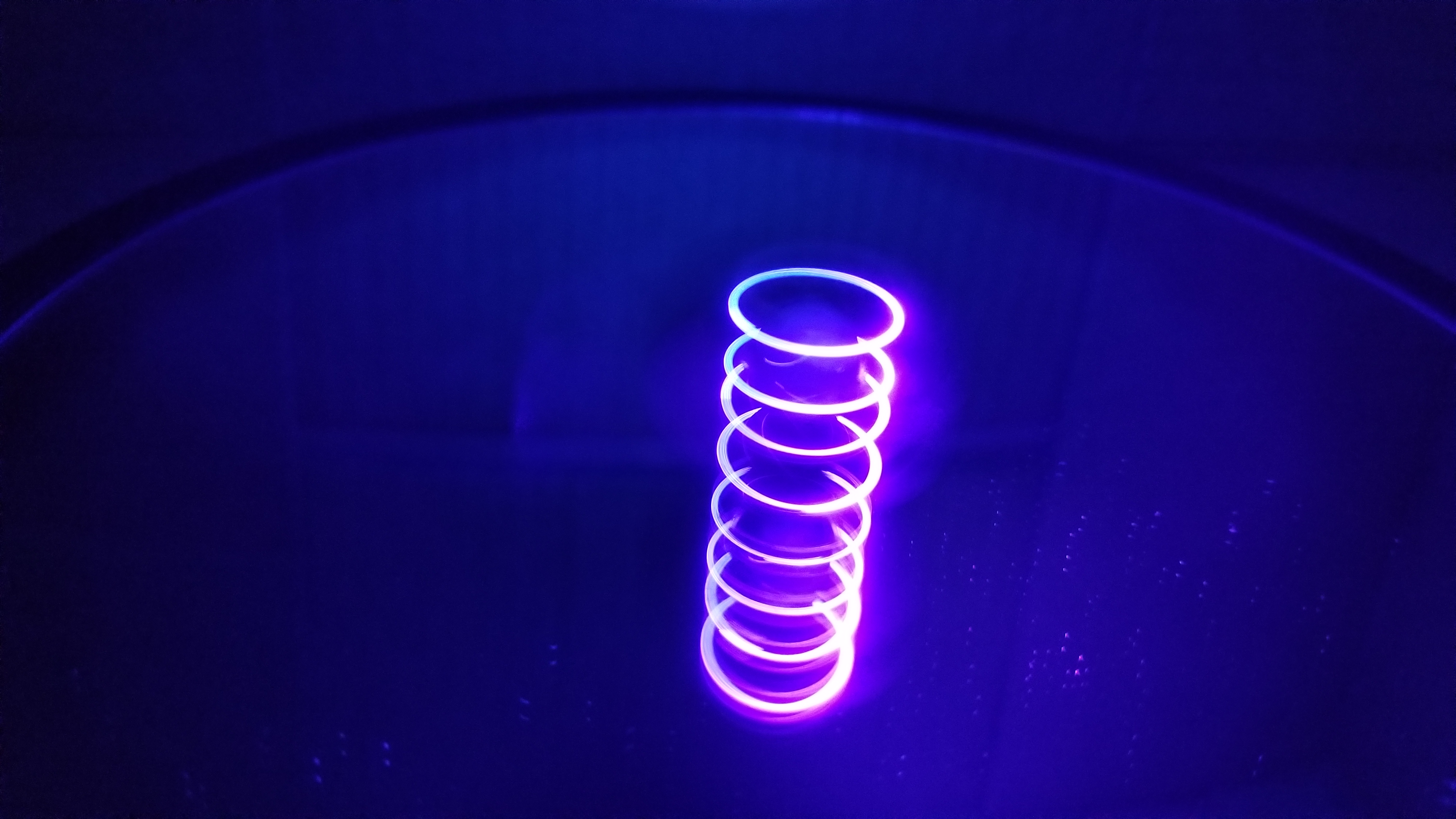
Wave Explorer This is my default homepage and has page controls in the top right of your screen. This page allows you to play with all sorts of aspects of a wave and produces an electron wave resonance effect where you can see it produce a sphere (Electron orbital wave) from a wave function or a square wave which is neat (check spinX, spinY, and nodes=1 to see what I mean and get started). The best way to think of this square wave is a cylinder, like a roll of toilet paper and wrap a string around it, 3D Video. If you want a more mathematical explanation of this here is the function in more detail, Wave Explorer Function. You can add this function into Desmos to play with it there as well, Desmos Example, Desmos expanded function, and Basic Sine Wave. This gives you a unique view of this wave function that I have created. If you want to see a beam splitter experiment (think of Schrodinger's cat, does the photon split or not) I have done that produces these "Quanta balls of energy" here was the inspiration for this page. My homepage was the best way I could find to explain this phenomenon. I have Perlin Noise as a default as I really like the way this allows for a more realistic view of "quantum uncertainty" (that Heisenberg stuff). It is important to note that Perlin Noise and Quantum Uncertainty are not the same thing, the Perlin Noise adds a controlled randomness to the wave where the Uncertainty Principle states that there is a limit to the precision with which certain pairs of physical properties, such as position and momentum, can be simultaneously known. In other words, the more accurately one property is measured, the less accurately the other property can be known.
Collatz Conjecture This is a demo using the Collatz Conjecture to show how positive integers will "always" produce a 4-2-1 loop. The Collatz conjecture is an unsolved mathematical problem stating that repeated application of a simple arithmetic process will eventually reduce any positive integer to 1. If you can find a positive integer that does not produce a 4-2-1 loop you would have solved one of the most famous unsolved problems in mathematics. The conjecture has been shown to hold for all positive integers up to 2.36×10^21, but no general proof has been found.
Spiral of Primes This is a visual demonstration of how primes produce spirals. I really like playing with this demo, it has such a unique view of Prime Numbers and Sine Waves.
Conway's Game of Life This is a demo of Conway's Game of Life. This is the traditional version of Conway's Game of Life with a color matrix added, but in cases where this produces an infinite loop I have given it a survival mode where it has the potential to break out of an infinite loop. This makes for an interesting screen saver.
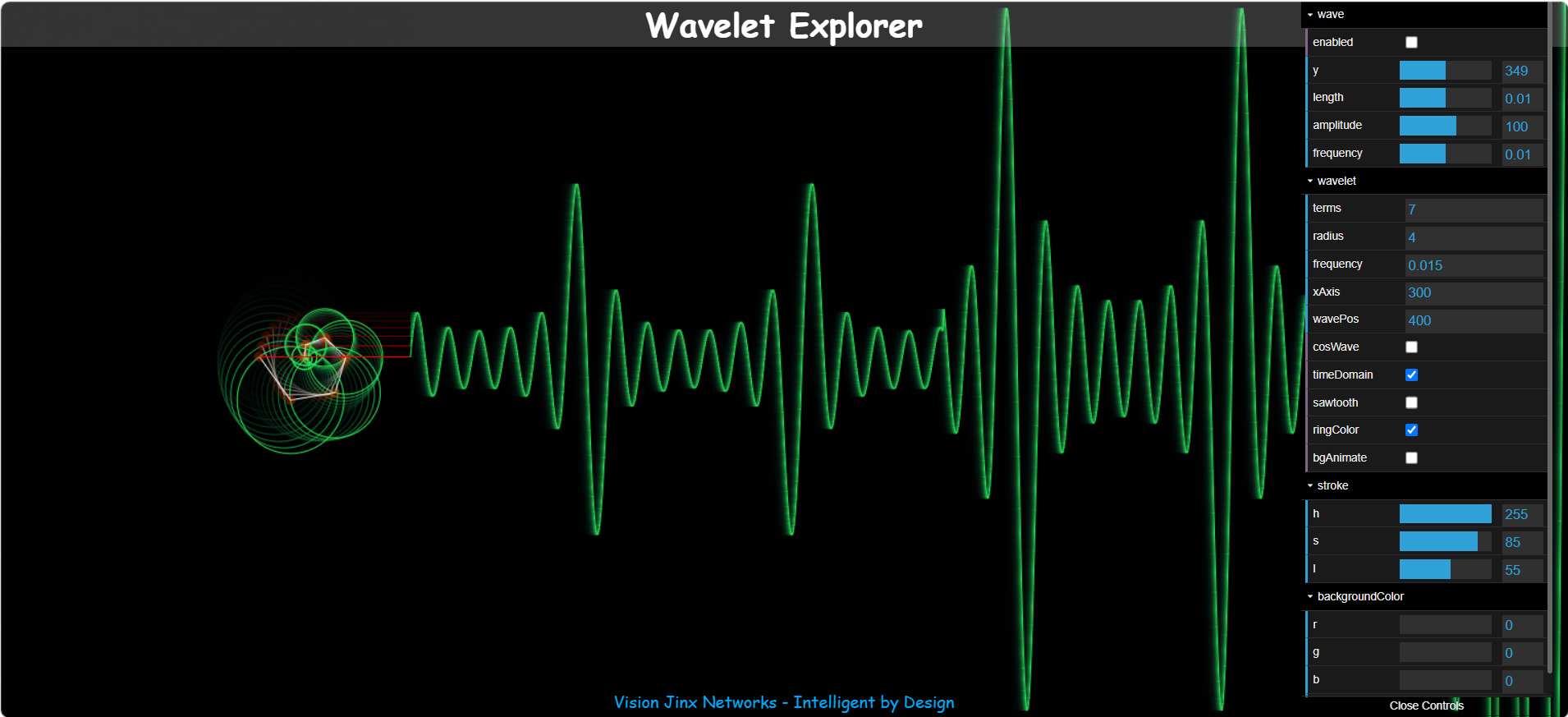
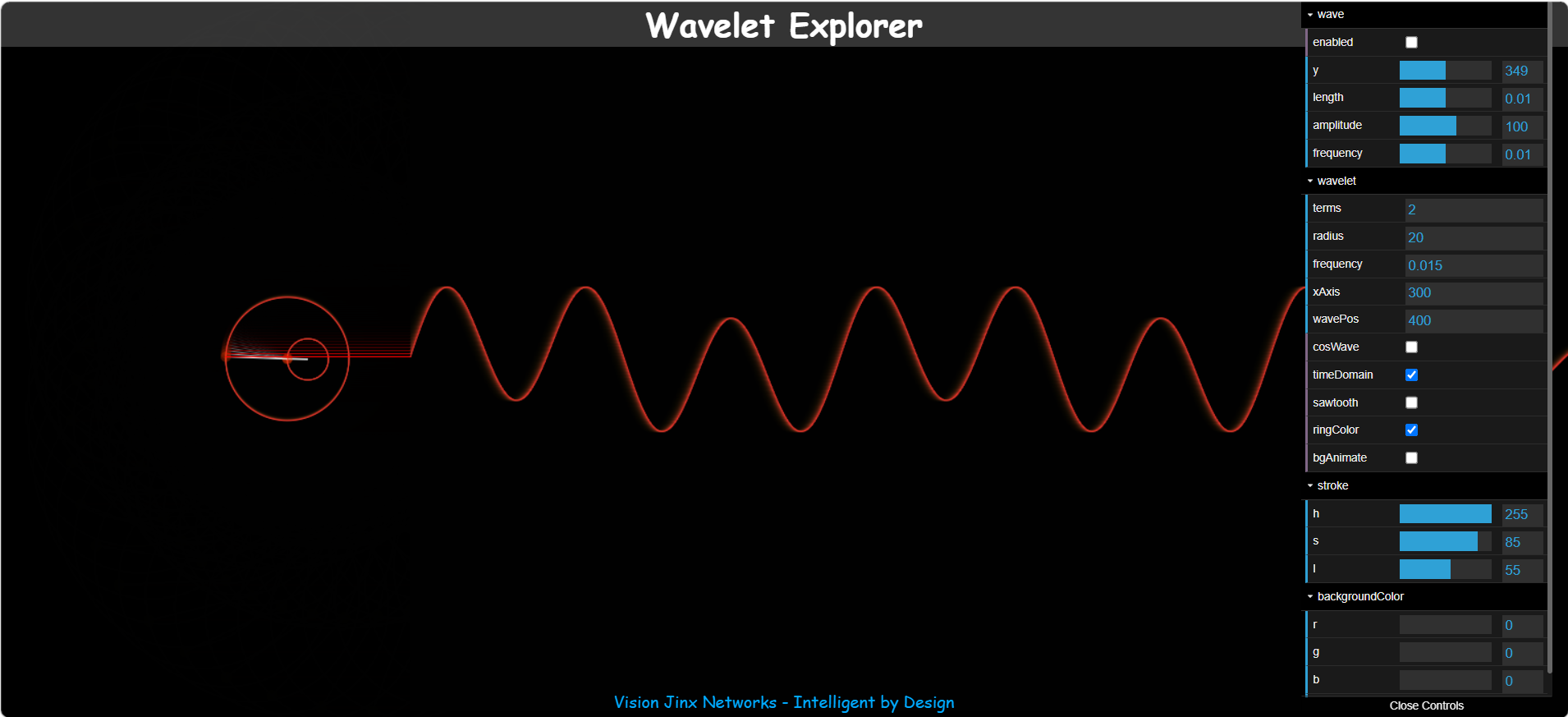
Wavelet Explorer This has to be one of my favorites. There is a lot you can do playing with the page controls. It is important to note that when playing with the "Time Domain" setting, this inverts the wave from internal to external view, which basically means you need to invert your settings to see the proper effect (try making the radius smaller and have less terms to get started). When viewing a wave I will have it expanding from the center outwards, but the Time Domain setting inverts this where you start at the outside working inwards meaning you need to edit the screen controls to adjust for this perspective. It will look confusing at first until you get use to this control mechanism, but it can provide a unique look at a wave from the outside working to the center. You can start with "terms=1" to see a basic sine wave then work your way up from there. If you need a more in-depth explanation, Wikipedia has a Sine Wave page to help you understand the basics of a sine wave and more importantly the Fourier Transform where multiple wave forms are stacked to create a new wave (add more terms).
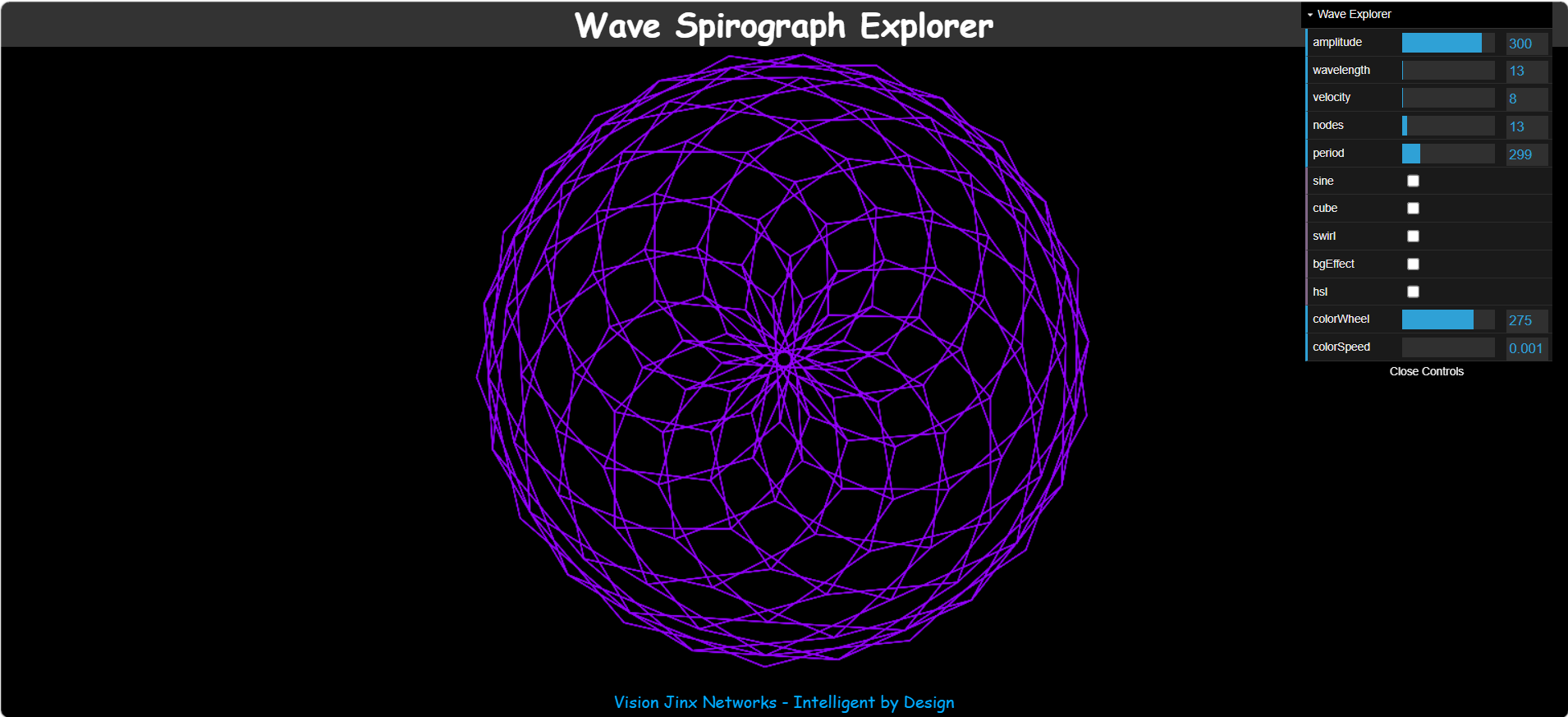
Wave Spirograph Explorer When I was a kid I had a Spirograph and use to spend hours making all sorts of patterns with it. This inspired this demo using a wave to create a Spirograph (Example). I hope you have as much fun playing with it as I have. Here is a random Spirograph pattern generator to see what can be done with this demo. When you refresh the page it will generate a new pattern.
Wave Equation Explorer This is a demo of how this wave explorer will produce a square, even using 4 axis balls. Even though we think of waves as being well, a wave, this shows how they also produce a square equation. Here is a simplified version of it Wave Equation explorer 2.
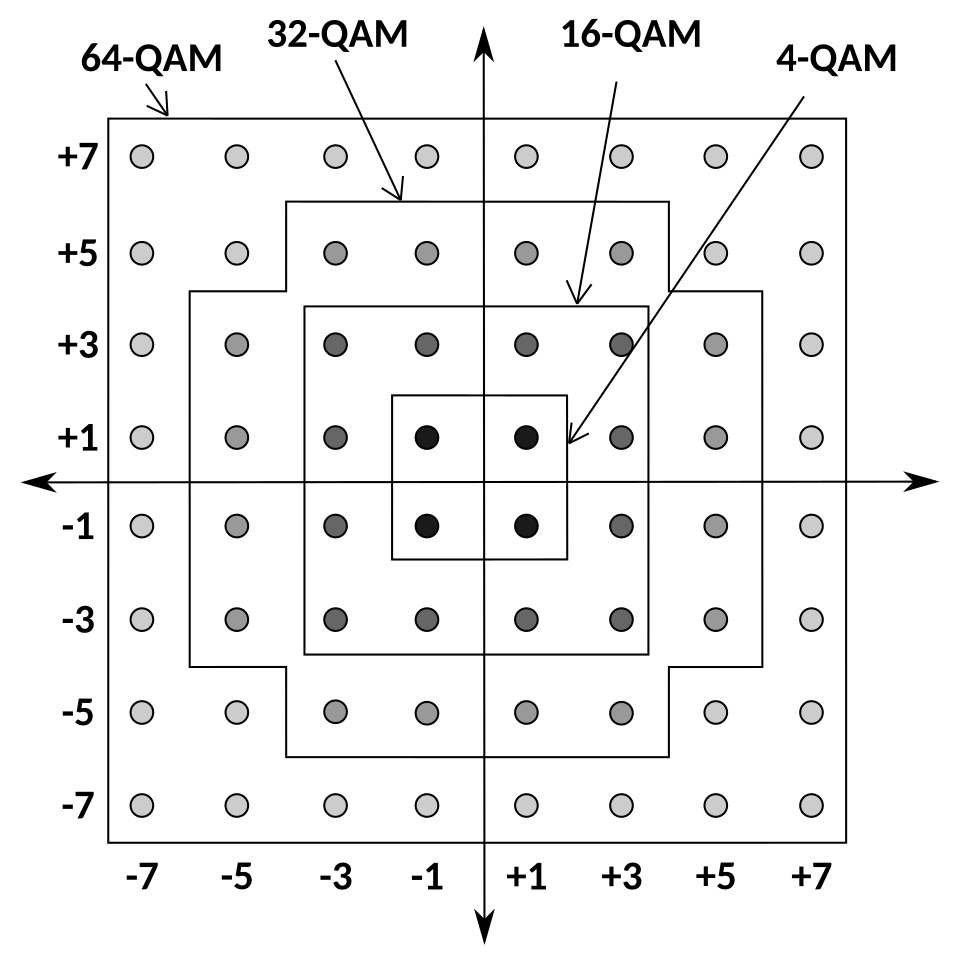
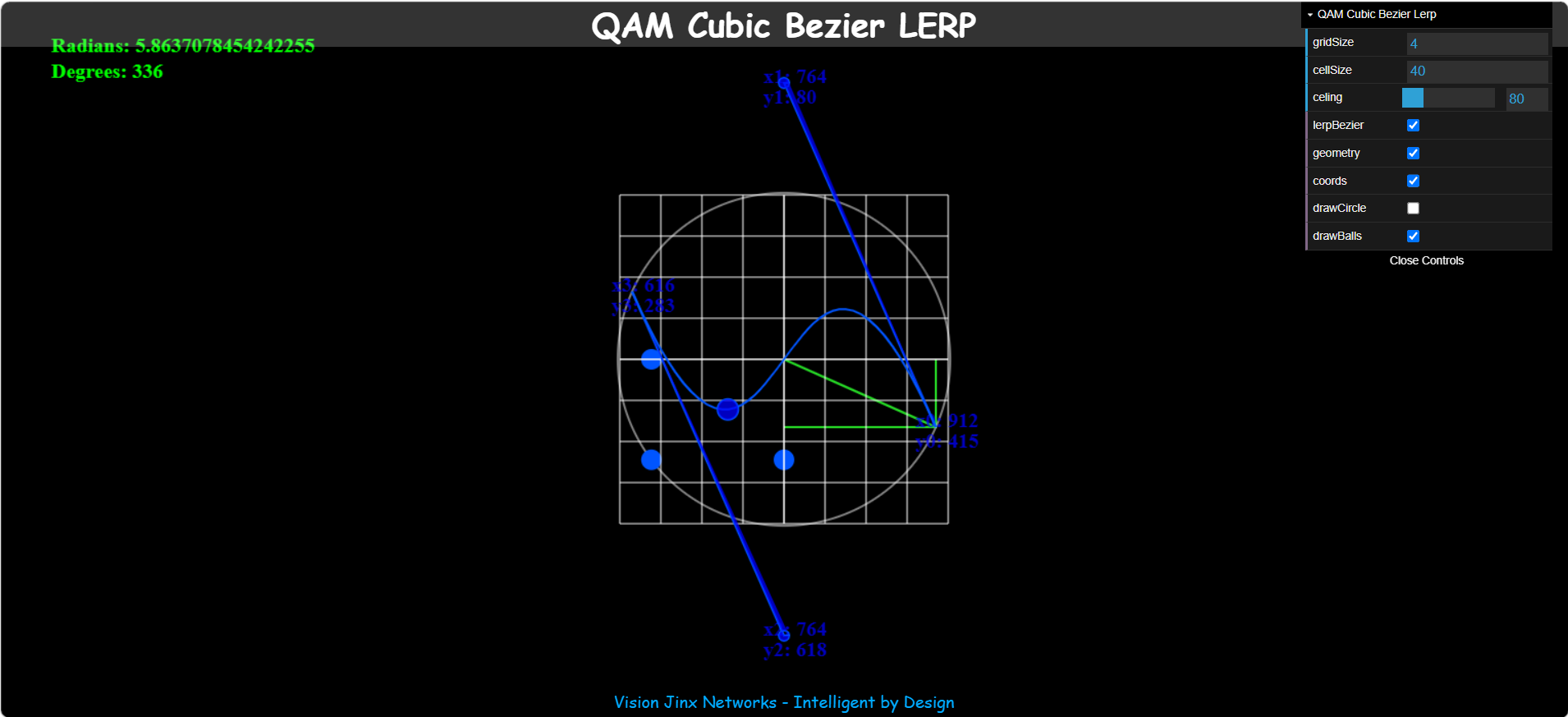
QAM Bezier Lerp I have spent a long time as a Systems Architect for Network Management Systems and Distributed Access Architecture (DAA) in the telecommunications industry and working with QAM Modulations. This is a basic QAM Lerp function which does a basic Lerp on a QAM grid (Constellation Diagram), just click somewhere on the grid to see it Lerp. Look at the Digital QAM Grid (Wikipedia) for a better perspective of what this demo does with regards to Broadband Communications. Here is a sample of the settings to play with.
Bezier Lerp This is a very basic demo that creates a random Bezier Curve, when refreshing the page, and will Lerp a ball across that curve. It is a basic starting point for more interesting applications. Example using Quadrature Amplitude Modulation (QAM)
Sine Wave This is a basic sine wave and where I started working with sine waves and HTML5 Canvas. The rest of the demos on this page originated from here, just exploring what can be done with a basic wave function. Here are some demos, Perlin Noise Example 1 and Perlin Noise Example 2, using a sine wave with Perlin Noise. It is similar to random noise but is based off current positions to smooth out the randomness and chaos. Technical Summary: Perlin noise is a coherent gradient noise function. Instead of assigning random values to points (like white noise), it assigns random gradient vectors to lattice points and smoothly interpolates their influence. This produces continuous, organic patterns ideal for textures, terrain, clouds, fire, and other natural phenomena (Copilot AI definition).
Fireworks This was a fun little demo playing with "gravity" in HTML5 canvas. Just click somewhere on the screen (canvas) and it will give you some fireworks. This is more of a demo on trying to create a smooth gravity effect that looks natural.
Flow Field Vector I became really interested in Flow Fields and wanted to see if I could create one using HTML5 canvas. This is a vector based flow field and does require some CPU overhead to run it. Most modern computers should be able to run it without CPU lag. My phone can run it so you should be OK with a "Google Chrome" based browser, the V8 JavaScript engine, developed by Google.
Flow Field Dots This is another demo of a Flow Field using dots and Perlin Noise this time. I like to call it my Perlin Swimmers and is fun to watch.
It is worth noting that I am not making a claim that I have "discovered a new form of Physics" or that my equations can be used as a university physics research paper or in a particle accelerator, that is not the intent of this site. My intent is to make a fun, user friendly interactive site that helps to visualize very complex physics and quantum mechanics concepts that are ported for a high performance/low latency interactive site. It also contains a Knowledge Database (microservice) for things I have found useful.
I hope you enjoy playing with the demos as much as I had fun creating them. If you really feel the need to contact me about something on my website you can email visionjinx@gmail.com.